Introduction
Why use AI for game development?
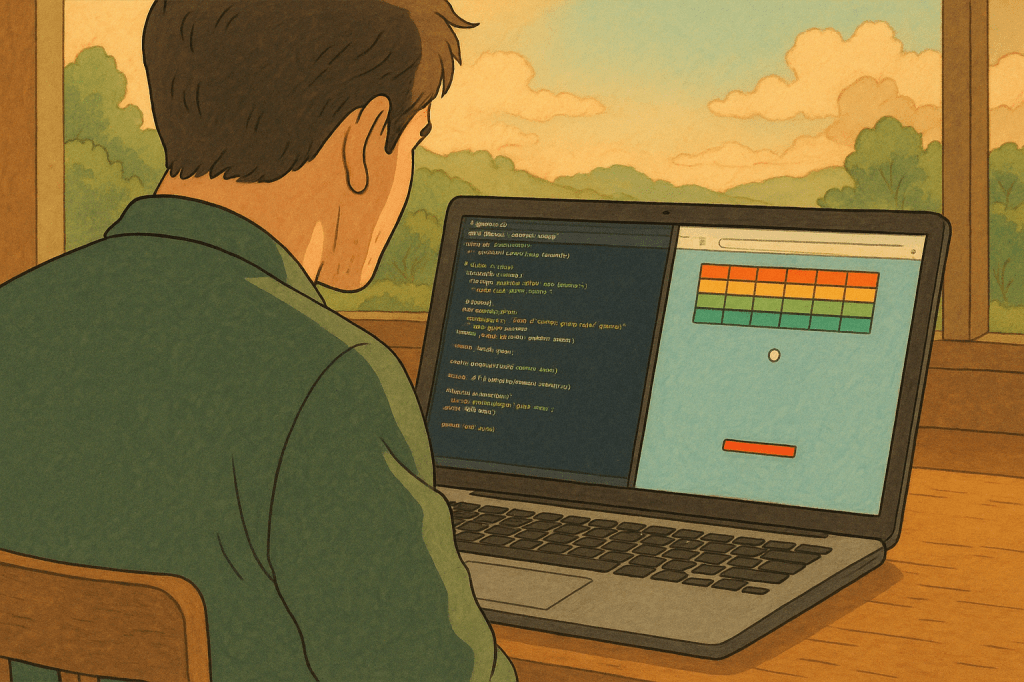
Because it’s fast, fun, and wildly creative. You go from idea to game in seconds. Great for prototyping, learning, or impressing your friends at brunch.
Imagine typing “a Flappy Bird clone” and watching it pop open in your browser — ready to play. No design. No dev work. Just vibes and velocity.
What You’ll Need
Prerequisites
- Python 3.9+
- An OpenAI API key
- Curiosity
Setting up your environment
pip install openai python-dotenvCreate a .env file and drop in your key:
OPENAI_API_KEY=your-key-goes-hereTutorial
Step 1 — Import required Python libraries
from openai import OpenAI
import ast
import webbrowser
import dotenv
import pathlib
These do the heavy lifting: API calls, browser opening, env loading, and safe data parsing.
Step 2 — Load environment variables with dotenv
dotenv.load_dotenv()Keeps your API key safe and tidy. No need to hardcode secrets.
Step 3 — Set up the OpenAI client
client = OpenAI()Boom. You’re connected to OpenAI’s LLMs.
Step 4 — Create a function to call the LLM
def call_llm(system_prompt: str, user_prompt: str) -> str:
   response = client.chat.completions.create(
   model=”o3-mini”,
   messages=[
   {“role”: “system”, “content”: system_prompt},
   {“role”: “user”, “content”: user_prompt},
   ],
   temperature=1,
   top_p=1,
   response_format={“type”: “json_object”},
   )
   return ast.literal_eval(response.choices[0].message.content.strip())
The importance of system vs. user prompts
- System = the brain’s role.
- User = the actual task.
Use both. Be specific.
How to parse JSON safely with ast.literal_eval
Don’t just eval. That’s dangerous. ast.literal_eval is safer and stricter.
Step 5 — Generate the game code using your prompt
def create_game_code(game_name: str) -> str:
   prompt = f”””
   You are a game developer.
   You are given a game name.
   Create code for that game in JavaScript, HTML, and CSS (all in one file).
   The game should be a simple game that can be played in the browser.
   It should be a single page game.
   Follow a json schema for the response: {{“game_code”: “game code”}}
   By default, use the html extension.
   “””
   response = call_llm(prompt, game_name)
   return response[“game_code”]
Crafting the right system prompt
Talk to the LLM like it’s a dev on your team. Clear, structured, and friendly.
Step 6 — Save the generated game as HTML
def create_game_html(game_code: str):
   with open(“game.html”, “w”) as file:
   file.write(game_code)
Simple write-to-file. Now it exists on your machine.
Step 7 — Automatically open the game in the browser
def open_game():
   path = pathlib.Path().resolve() / “game.html”
   webbrowser.open(f”file://{path}”)
No need to hunt for the file. It just opens.
Step 8 — Tie it all together in one function
def play_game():
   request = input(“Enter a game name: “)
   game_code = create_game_code(game_name=request)
   create_game_html(game_code)
   open_game()

if __name__ == "__main__":
    play_game()
Just run it. Type something fun like “Zombie Runner.” Boom. You’re playing it.
Test it out
Suggested prompts to try
- “Snake but it gets faster over time”
- “Tetris in grayscale”
- “A ghost catching game”
- “Mouse maze challenge”
Try weird stuff too. The model gets creative.
Final thoughts
This isn’t just a coding shortcut — it’s a creative launchpad. You can brainstorm, prototype, and even teach kids how code becomes experience.
The combo of Python + OpenAI is like a magic wand for your imagination.
So next time someone says “Let’s build a game!”, just smile and say “Give me 30 seconds.”
Feel free to reach out to me if you would like to discuss further, it would be a pleasure (honestly):
 the signal
Leave a comment